

Preserving memories while respecting privacy and preparing the people who come after us
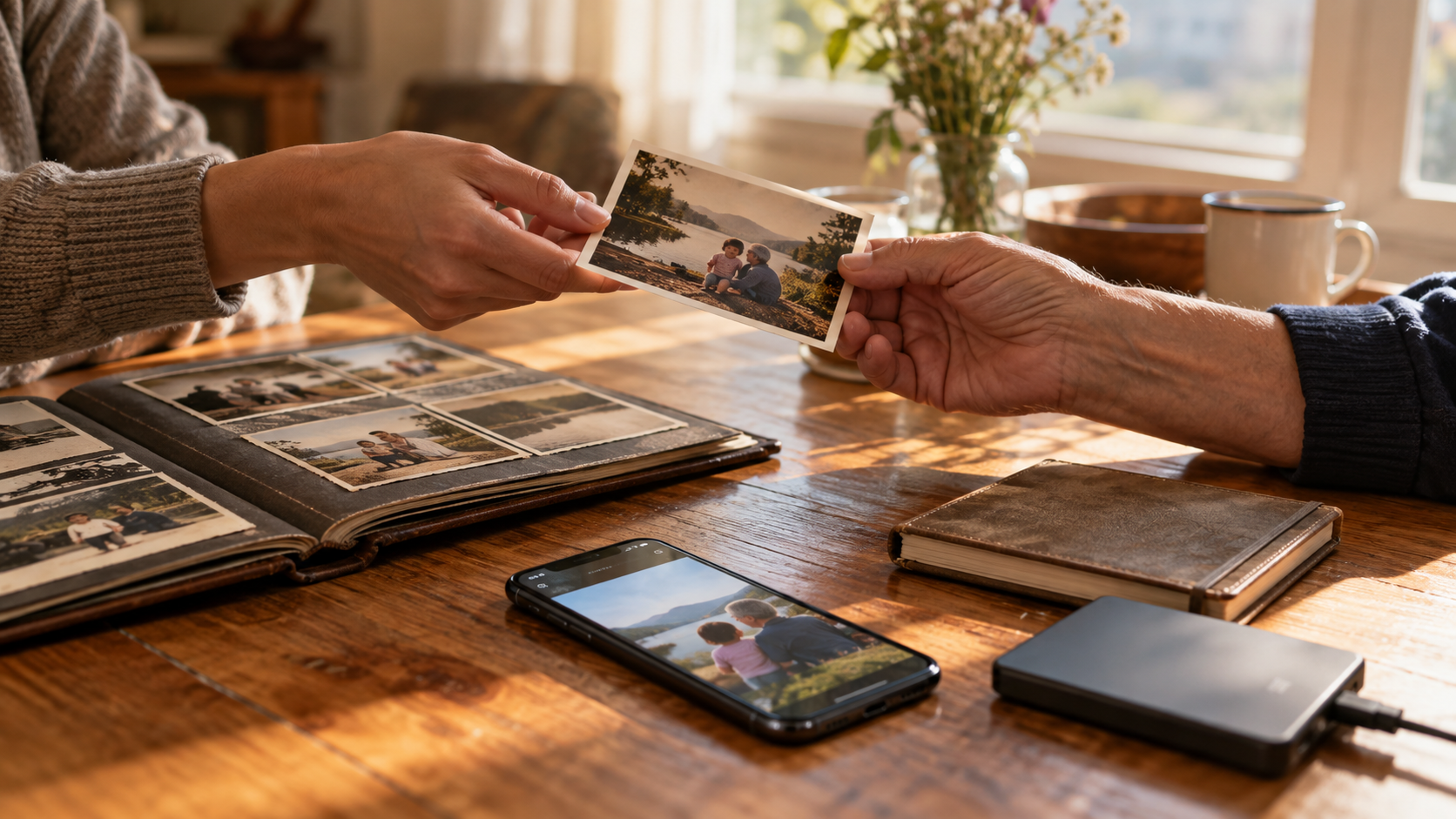
What we inherit is not what it used to be. For those fortunate enough to receive generational wealth, it may still mean money, property, and investments passed from one generation to the next. For others, it might be family keepsakes, a few treasured possessions, and the responsibility of putting someone’s affairs in order. Not everything left behind is an asset. There may also be debts to address, generally through the estate rather than automatically becoming the family’s personal responsibility.
But what about the parts of a life that cannot be packed into a box?
If my father spends years buying movies on Amazon or Apple, do I inherit that collection when he dies? What happens to the music he paid for, the photographs stored in his cloud account, or the family videos saved on his phone? Who manages his email, social media profiles, and business records? Beyond the things he owned, what happens to the digital identity he spent a lifetime building?
These questions are not as simple as finding a password. As we will discuss more later, Apple’s Legacy Contact feature, for example, can provide access to certain account data after someone dies, but it does not include purchased movies, music, or books. Preserving family photographs and passing down a purchased entertainment library are not necessarily the same kind of transaction.
Then comes the question of what to pass down. A family may want photographs of ordinary afternoons, a familiar voice in a saved message, or a video nobody realized would become important. Alongside those memories, however, may be confidential business records, private reflections, and conversations whose other participants never expected a new audience. Wanting to remember someone does not necessarily mean wanting—or needing—to see everything they left behind.
That is the challenge of digital legacy: deciding what should survive, who should have access, and what should remain private. A useful plan gives the people left behind a way to preserve meaningful memories and handle necessary affairs without treating an entire digital life as an open book. Sharing a password may help open a door. It does not tell anyone what to do once they are inside.
The device and its contents are separate inheritances
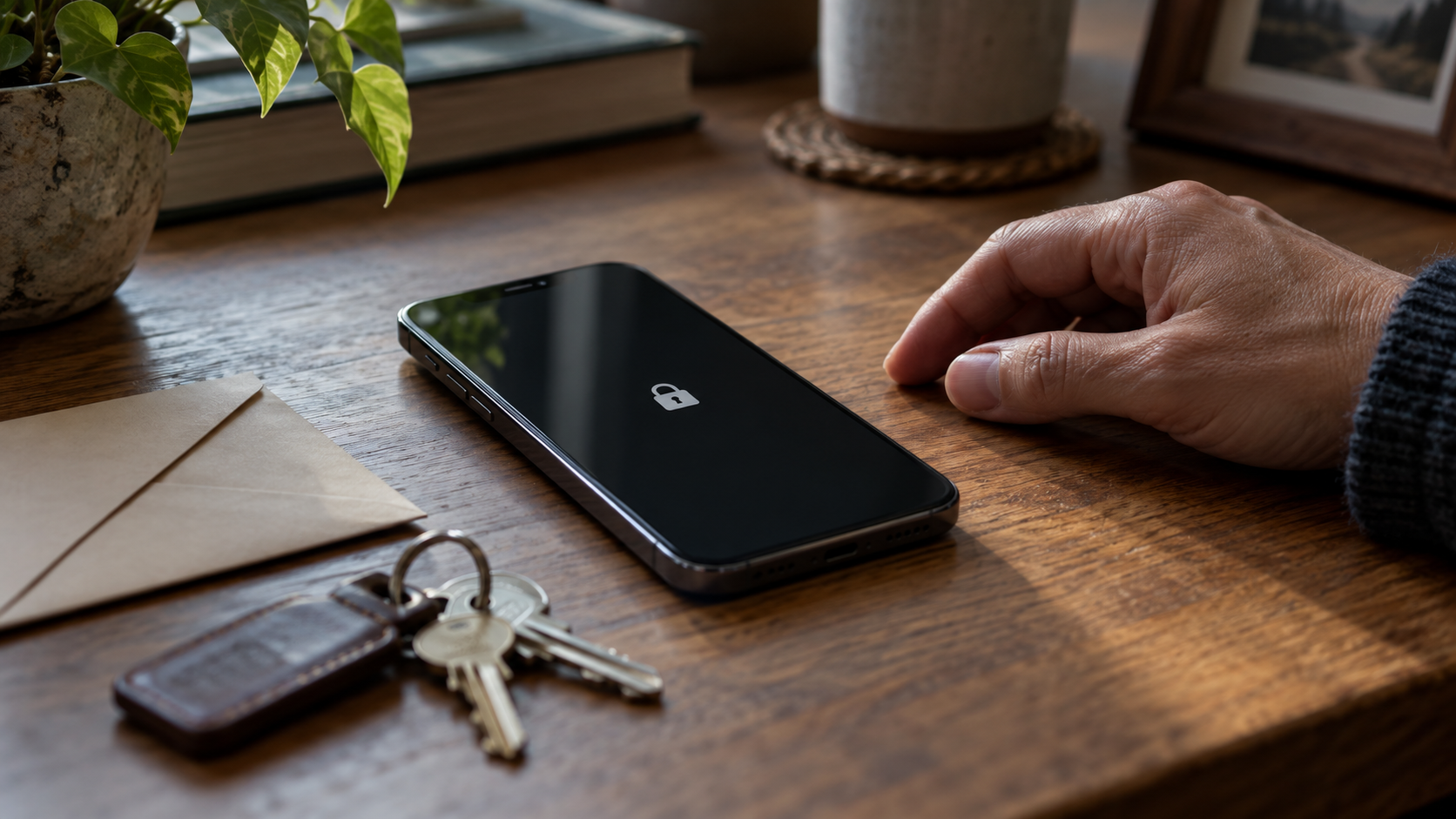
Apple’s Legacy Contact feature makes this distinction concrete. A person can designate someone to request certain Apple Account data after their death using an access key and proof of death, with documentation varying by region. Available material may include photographs, messages, notes, and backups. Saved passwords and passkeys in iCloud Keychain, along with purchased media and subscriptions, are excluded. [1]
The feature also does not remove a device passcode. Apple states that it cannot remove the passcode lock on the devices covered by its deceased-account guidance without erasing the device. Reusing the hardware and recovering its contents are therefore different outcomes. A family trying to save photographs should understand that distinction before agreeing to a reset. [2]
Other providers solve different parts of the problem. Similar language like “legacy,” “recovery,” and “access” can hide very different permissions.
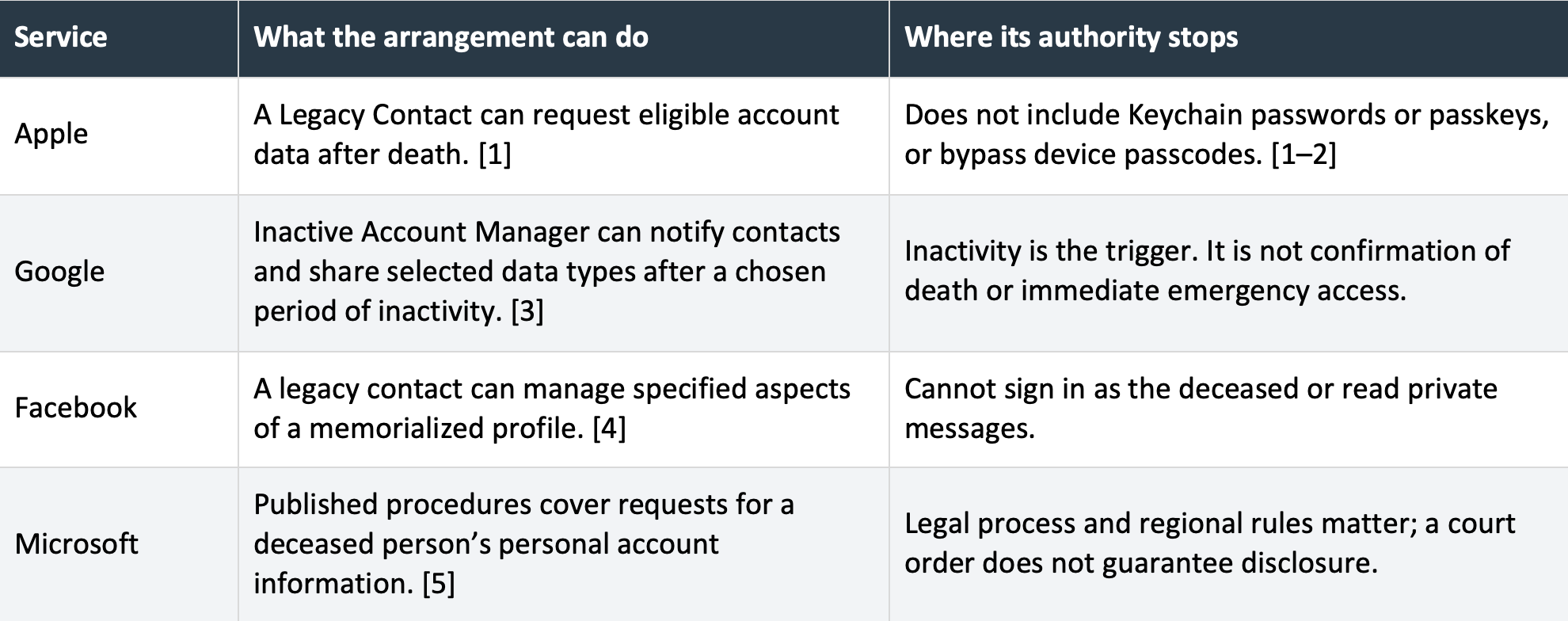
These are examples of different access models, not interchangeable inheritance tools. Check the current procedure for each account and country before relying on it.
It helps to separate five questions: who owns the physical device, who has legal authority to act, what a provider will release, whether the data can be decrypted, and which rights come with any purchased content. Solving one does not automatically solve the others.
What happens to the films and music we bought
Consider a father who has spent years buying films through Apple or Amazon. His family may reasonably think of that collection as something he can leave them, much like a shelf of DVDs. The word “buy” encourages that expectation. An empirical study by Aaron Perzanowski and Chris Jay Hoofnagle found that many consumers believed digital purchases carried rights to keep, lend, resell, or bequeath them that the relevant terms did not provide. The study concerns consumer understanding, rather than a ruling on every inheritance dispute. [6]
For commercial media, payment often buys a conditional license. Amazon’s Prime Video terms give a limited, non-transferable license even for purchased titles. Amazon Music also describes the right to use purchased music as non-transferable. Apple’s Legacy Contact process explicitly excludes purchased films, music and books. A family should therefore not assume that proving a death or inheriting a device moves those purchases into an heir’s account. That is a practical reading of these provider arrangements; applicable law and regional terms still matter. [1, 7–8]
The kind of download matters, too. Apple says songs currently sold through the iTunes Store are supplied without digital rights management, or DRM: the technical controls that can restrict playback. Those music files can remain usable independently of the store, while older protected purchases may require authorized devices. A file’s technical portability does not, by itself, establish a right to transfer its license or distribute copies. Check both the file and its terms. [9–10]
Subscription downloads belong in a different category. Music saved for offline listening through a streaming membership has not thereby become a purchased album; access dependent on a subscription ends when that subscription ends. Rentals also have a viewing deadline. Paid purchases can sit alongside both in the same app, so canceling a membership and closing the account that holds separately bought titles are different decisions. [7, 10]
Family Sharing can help with everyday access, but it offers no promise of permanent inheritance. Apple permits eligible purchases to be shared and warns that access to another member’s content may end when that person leaves the family group. Shared access should not be treated as a transfer of the purchase to each family member. [10]
Equally, death does not mean every downloaded purchase immediately disappears. Apple describes permanent downloads of purchased media to compatible devices, although future downloads from the service depend on availability. Amazon also warns that purchased titles may become unavailable for streaming or downloading. Preserving a playable copy where permitted, transferring an account and inheriting legal rights are separate issues. [7, 9–10]
For a family, the value may lie as much in the collection’s meaning as in its purchase price. Which album accompanied Sunday lunch? Which film did a parent watch every Christmas? Keep a list of the titles, artists, and stories somewhere outside the service. Relatives can then find their own lawful way to hear or watch them if the original access cannot continue. The songs may be available again; the explanation of why they mattered is harder to replace.
What saved memories can do for the living
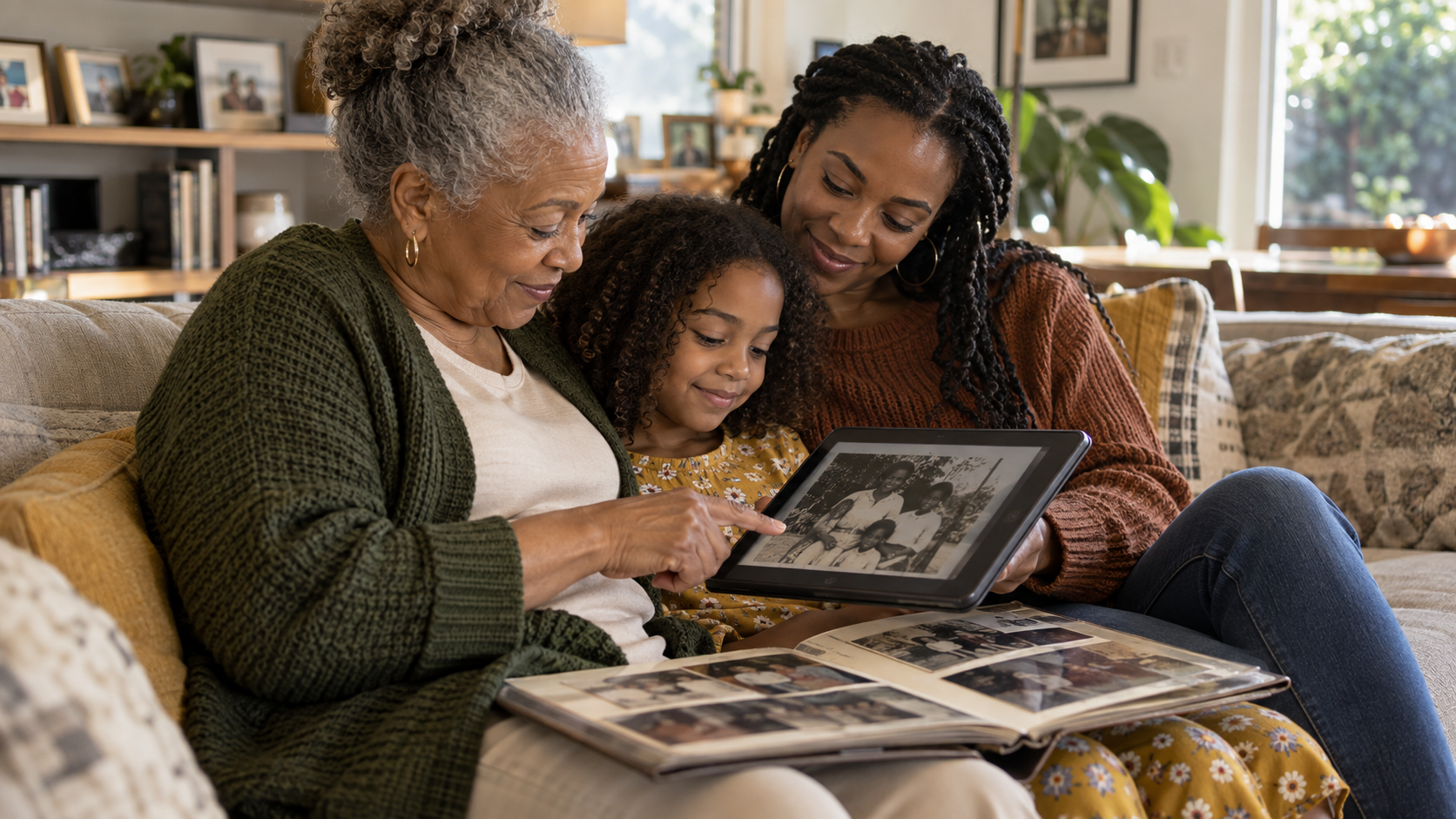
Bereavement research describes “continuing bonds”: the ways a relationship with someone who has died can remain part of a person’s life. A familiar voice, a photograph, or an exchanged message may help preserve that connection. A systematic review by Hewson and colleagues, covering 79 studies, identified both comfort and distress, alongside themes involving identity, meaning and spirituality. It did not establish that maintaining a bond is universally helpful or that letting go is universally healthier. [11]
That distinction matters when technology offers to resurface memories automatically. Listening to a voicemail on a quiet evening feels different from having a reminder appear during an ordinary workday. The same material can feel welcome one moment and unwelcome the next.
Stroebe and Schut’s dual process model describes movement between attending to loss and dealing with life's demands after loss. It is a coping model, not a prescribed timetable. Applied to digital legacy, it suggests a practical design principle: people should be able to approach memories and step away. Preserving an archive need not mean keeping it constantly visible. [12]
A 2025 qualitative meta-synthesis by Price, Steffen and Kamp also describes the social character of digital remembrance, including public expressions of grief and collective mourning. Such research helps explain people’s experiences; it does not prove that a particular platform improves recovery. [13]
Families may disagree without anyone being wrong. One person may treasure a memorial page. Another may want fewer reminders. A child’s interest may change as they grow older. A thoughtful plan leaves room for those differences rather than assigning everyone the same relationship with the archive.
Private conversations involve more than one person
An account may have one owner, but its contents can involve many people. A friend may have disclosed an illness. A colleague may have discussed a workplace problem. A former partner may have written something intended for one recipient. Recovering those messages changes who can read them; publishing them changes the audience again.
Research by Holt, Nicholson, and Smeddinck explored these tensions in two workshops with password-manager users. Participants recognized the value of planning while also confronting conflicts between security during life and access after death. Their findings support treating digital legacy as a selective sharing problem, while the study’s limited, qualitative design does not establish how all families behave. [14]
Brubaker and colleagues offer a useful frame: stewardship. In interviews with 20 people about Facebook accounts after death, responsibilities and competing relationships mattered as much as ownership. A steward looks after material on behalf of people whose interests may differ. [15]
In practice, the person who handles subscriptions might not need private correspondence. A relative preserving photographs might not be the right person to administer business records. A trusted friend may understand sensitive wishes better than the nearest relative. The chosen person should agree to the responsibility, and the plan should name an alternative.
Privacy also needs judgment. Consider instructions to restrict or delete personal material alongside legitimate estate needs, other people’s rights, and any applicable preservation duties. A grieving family should not have to improvise that balance while deciding whether to empty an inbox.
A useful archive preserves context
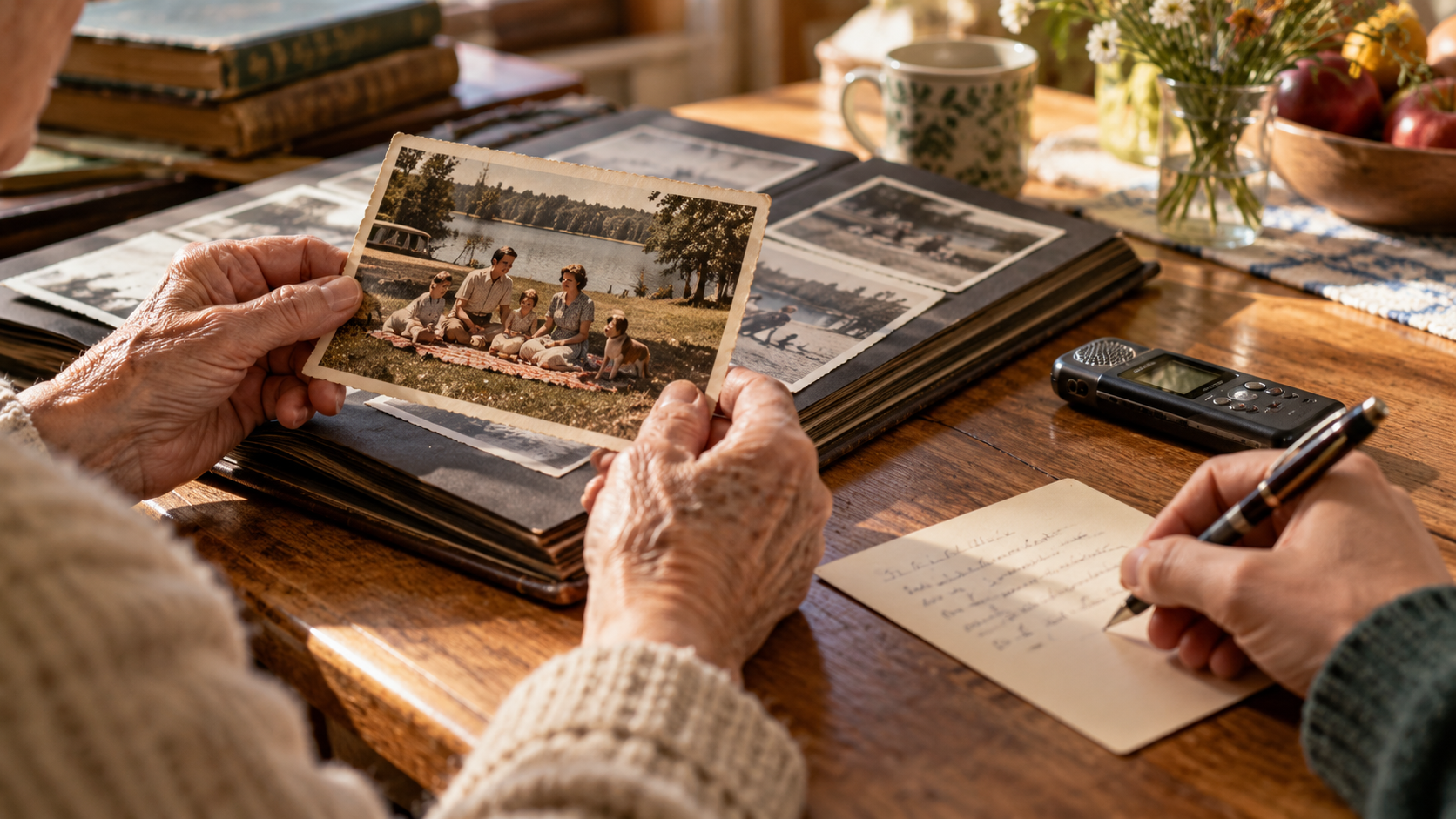
Access to thousands of files is only the beginning. A photograph becomes more meaningful when someone can identify the people, explain the occasion, or tell the story behind an expression. Without context, an enormous collection can become hard to sort.
Human–computer interaction research has explored how bereaved people handle inherited technologies and digital possessions. Odom and colleagues examined the social processes around passing things on and putting them to rest. Doyle and Brubaker’s later systematic review likewise treats digital legacy as a question of identity, engagement and endings, extending beyond storage alone. [16–17]
A practical starting point is a small collection of photographs, recordings, letters and stories explicitly intended for sharing. Explain who appears in them and why they matter. Keep original files where possible, and distinguish an original recording from an edited, restored or generated version.
The Library of Congress recommends identifying important photographs, organizing them with meaningful names and descriptions, keeping copies in separate places, and checking that they remain readable. Those are achievable household habits. A few well-described folders and a tested copy can be more usable than an unexplained drive containing everything. [18]
Choose an arrangement that fits the people who will maintain it. Someone comfortable with a printed album and a simple drive should not inherit a system that requires specialist administration. Sensitive copies still need protection, with a separate, workable way for the authorized person to obtain the required key.
Selection has limits, too. Today’s favorite photograph may not be tomorrow’s. A wider private archive, with clear permissions, can preserve options for future generations while a smaller collection remains easy to browse. The goal is to reduce confusion without deciding every future memory for someone else.
Business records need their own handover

For a small-business owner, the same laptop can hold family videos, invoices, client information, and the only instructions for renewing a domain. That combination creates obligations beyond the family. A survivor may need enough information to keep essential services running without receiving unrestricted access to confidential work. NIST’s contingency-planning guidance emphasizes identifying critical functions, recovery priorities, responsibilities, testing, and plan maintenance. Although written for federal information systems, those principles offer a useful way to structure a small-business handover. This applies the guidance, not a claim that a household needs a federal compliance program. [19]
Document which services support the business, who is authorized to act, where records are held, and whom to contact. Include the domain registrar, email, bookkeeping, essential subscriptions, and backup arrangements. Separate family material from client records, and use delegated organizational access where available. A successor needs a process for handling the work, including confidentiality and retention decisions, not just the owner’s identity and credentials.
The plan should also cover temporary incapacity. A death-triggered arrangement may be irrelevant when the owner is alive but unable to respond. Identify who can act in each situation and align the technical permissions with the applicable legal authority.
AI creates a different kind of legacy decision.
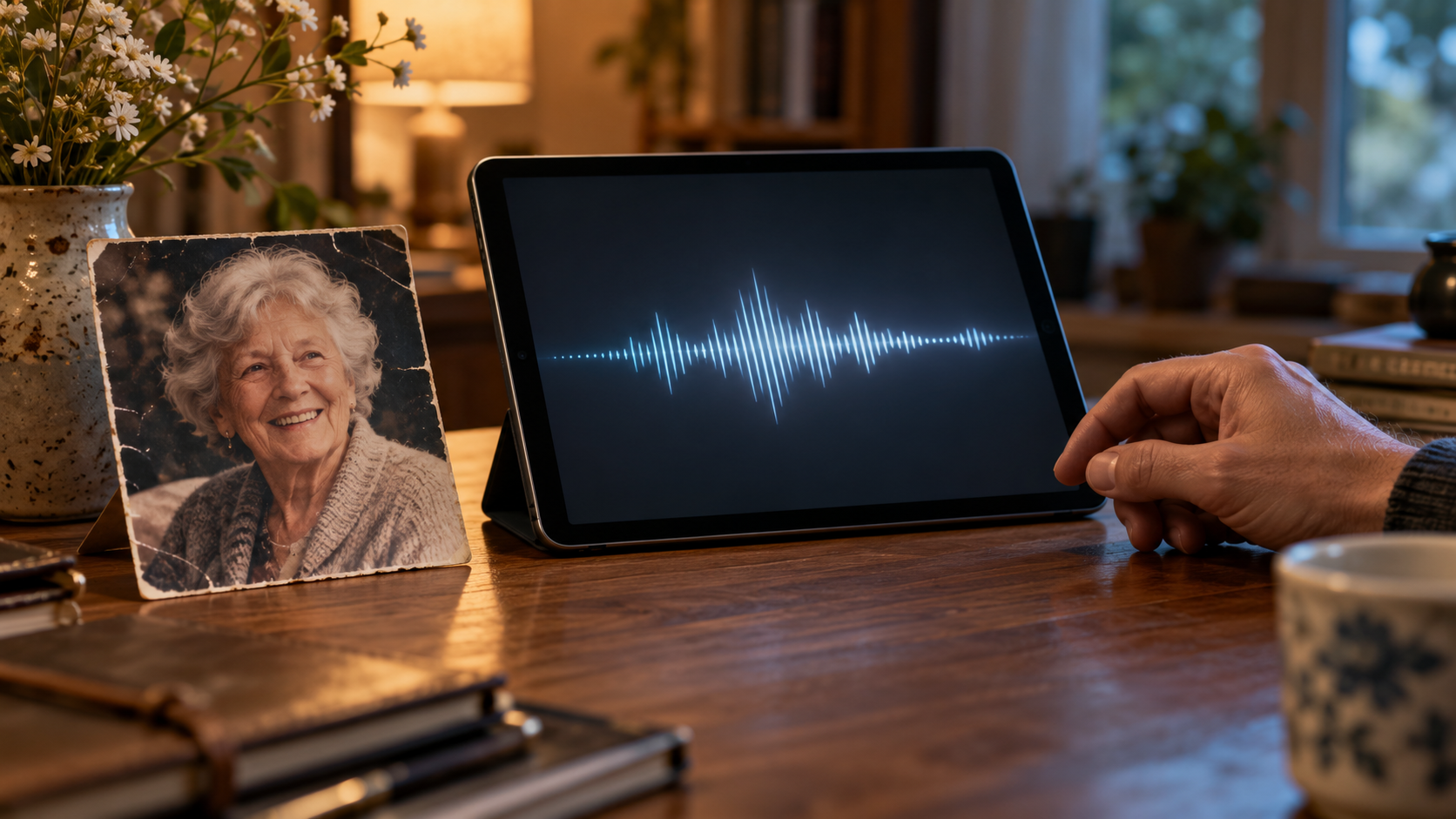
A saved recording preserves words someone actually spoke. A generative system can produce new words in a familiar voice or style. Both may draw on the same archive, but they create different expectations about authenticity and consent.
Hollanek and Nowaczyk-Basińska examine this distinction through speculative scenarios involving AI simulations of deceased people. They recommend mutual consent from the represented person and the interacting person, transparency, and a way to retire the system. Their paper is an ethical analysis, not a clinical trial demonstrating benefit or harm. [20]
Some people may welcome a carefully bounded simulation; others may find it intrusive. A legacy plan can say whether material may be used for voice cloning or interactive recreations, and who can authorize or decline that use. Permission to keep photographs should not be treated as automatic permission to manufacture new conversations. Preserving a person’s voice does not require making it say something they never said.
Make a plan people can actually use.

Start with a short conversation and a small set of decisions. This practical approach draws on the access, privacy, and preservation issues above, not a universal legal template.
Map what matters. List the accounts, devices, and storage locations that contain memories or essential records. Distinguish your own photographs and recordings from purchased media, rentals, and subscriptions. Record the relevant provider, intended recipient, and desired outcome: preserve, transfer where permitted, memorialize, restrict, or close. Keep the inventory secure.
State the boundaries. Specify what may be shared privately, what may be published, and what should remain restricted. Include your preferences on AI reuse. Discuss those choices with the people expected to carry them out; silence is a poor substitute for consent.
Arrange access while you can. Set up the relevant provider tools and confirm that designated people know about their role. Keep required access keys or recovery materials somewhere they can reach through an authorized process. Avoid a circular plan in which the instructions or key exist only inside the locked account.
Preserve the essentials independently. Export a manageable collection of your own photographs, recordings and documents intended for sharing, and check that another person can open it. Keep protected copies in separate locations, with context about the people and events. For purchased entertainment, preserve permitted downloads and a separate record of meaningful titles; do not assume a backup changes the license. [7, 9–10, 18]
Align the documents and the technology. An account setting, a will, and a business succession arrangement serve different purposes. In the United States, the Revised Uniform Fiduciary Access to Digital Assets Act distinguishes managing digital property from accessing electronic communications, where consent matters. Actual authority depends on the law adopted in the relevant jurisdiction; cross-border estates need particular attention. Coordinate the plan with advice from a qualified estate lawyer. [21]
Walk through the first steps. Ask the intended helper to locate the instructions and explain what they would do, without exposing private content or triggering deletion. Recheck after changes to devices, relationships, providers, or business arrangements. A plan should remain usable by someone who is tired, upset, and unfamiliar with the system.
If a loved one has already passed away, slow down irreversible decisions. Before canceling storage or closing accounts, establish what needs preserving and who has authority to request it. Ask the provider separately about personal files, bought media, and ongoing subscriptions. Google, for example, warns that closing a deceased person’s account prevents a later request for its contents. Its separate request process does not provide passwords or guarantee disclosure. [22]
Digital legacy asks us to make decisions technology cannot make for us. What would we want a child to remember? Which confidences should remain private? Who can handle the practical details? And if the family cannot inherit a digital collection, have we left enough of its story for them to understand why we loved it?
A useful inheritance might be a folder someone can open, a recording they can revisit, or a note explaining the music that filled the house. Preparing those things now gives the people who come after us a clearer starting point, with fewer decisions to make while they are grieving.
Sources and further reading.
Numbered references correspond to the article. The list includes nine academic publications and thirteen official technical or legal sources. Provider guidance was checked on 27 September 2026; settings and procedures may change.
[1] Apple. How to add a Legacy Contact for your Apple Account. Updated September 22, 2026.
Official product guidance on eligible data, exclusions, and required access keys.
[2] Apple. Request access to a deceased family member’s Apple Account.
Official guidance on account requests, device passcodes and erasure.
[3] Google. About Inactive Account Manager.
Official guidance on inactivity triggers and selected data sharing.
Official description of memorialization and the exclusion of private messages. Current setup: https://www.facebook.com/help/991335594313139
[5] Microsoft. Accessing Outlook.com, OneDrive and other Microsoft services when someone has died.
Official personal-account guidance; includes regional differences and disclosure limits.
Empirical legal scholarship on consumer expectations about digital purchases, including permanence and bequest rights; not an adjudication of individual estates.
Official terms covering purchases, rentals, subscriptions, the limited license, and availability. Applicable provider and additional terms vary by location.
[8] Amazon. Amazon Music Terms of Use. Sections 1.5 and 3.1.
Official terms describing purchased music and restrictions on transferring the right to use it. Check the terms applicable to the account’s country.
[9] Apple. Intro to the iTunes Store in Apple Music on Windows. Usage rights for iTunes Store purchases.
Official guidance on DRM-free iTunes Plus songs, older protected purchases and permanent downloads to compatible devices.
[10] Apple. Apple Media Services Terms and Conditions. United Kingdom. Sections F, H, I, M and U.
Official terms on content use, downloads, subscriptions and Family Sharing. Technical access and license transfer are distinct questions.
Peer-reviewed systematic review of 79 studies; supports a nuanced account of comfort, distress, and meaning.
Foundational theoretical model. The article applies it to optional digital remembrance.
Peer-reviewed synthesis of qualitative research; describes experiences rather than causal treatment effects.
Peer-reviewed HCI research based on two workshops with password-manager users.
Peer-reviewed qualitative research involving 20 interview participants; introduces stewardship as a useful framing.
Peer-reviewed HCI research on bereavement and inherited technologies.
Peer-reviewed review covering identity, engagement, putting digital legacies to rest, and connections with offline practices.
[18] Library of Congress. Keeping Personal Digital Photographs. Personal Archiving.
Authoritative preservation guidance on selection, descriptions, separate copies, and periodic readability checks.
Technical guidance; its principles are adapted here to small-business succession.
Peer-reviewed ethical analysis using speculative scenarios, not a clinical effectiveness study.
Official explanation of the model act; enacted law and legal authority vary by jurisdiction.
[22] Google. Submit a request regarding a deceased user’s account.
Official guidance on closure, content requests, and excluding passwords.